Quick Answer: Google Ads negative keywords tell Google not to show your ad for specific search terms you don’t want to pay for. Without them, your keywords will match a much wider range of queries than you intended, including job seekers, free-template hunters, and simple research traffic that never converts. Negative keywords come in three match types (broad, phrase, exact), can be applied at the campaign, ad group, or shared list level, and should be reviewed from your Search Terms report on a regular schedule, not just once during setup.
What Google Ads Negative Keywords Actually Do
Every keyword you bid on in Google Ads is a request, not a command. When you bid on “PPC management software,” Google doesn’t just match that exact phrase, it matches close variants, related searches, and (depending on your match type) a surprisingly wide net of queries it judges to have similar intent. A negative keyword is how you tell Google “not this one.”
Think of your keyword list as the accelerator and your negative keyword list as the brakes. Most advertisers spend all their setup time on the accelerator and almost none on the brakes, then wonder why cost per conversion keeps climbing.
For Google’s own definitions and current limits, see their official guide to negative keywords.
Why This Matters More Than Most Advertisers Realize
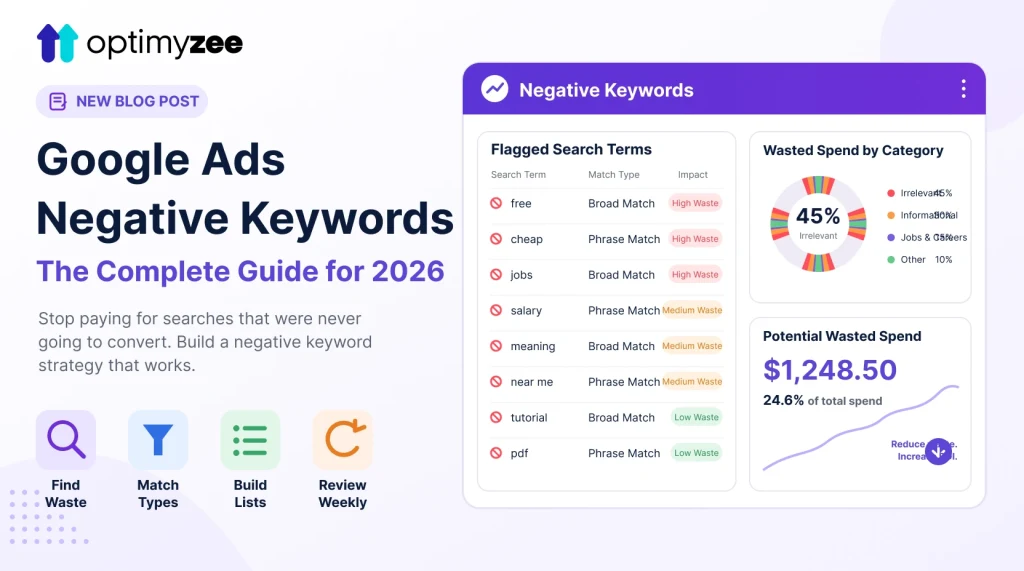
In one real account audit, a Search + Performance Max campaign with 300 tracked queries had 82 of them flagged as irrelevant, roughly 27% of total traffic. That irrelevant traffic was projected to waste around $301 a year at that spend level, and once those queries were excluded, the share of budget landing on genuinely relevant traffic rose from 73% to 100%.
That’s not an unusual result. It’s what happens in most accounts that haven’t had a negative keyword pass in the last month. Multiply that waste percentage across a full year of ad spend and it’s usually the single fastest lever an advertiser can pull to improve return on ad spend, faster than a bid change, faster than new ad copy.
The Three Negative Keyword Match Types
Negative keywords use the same match type logic as regular keywords, but the effect runs in reverse.
Negative Broad Match
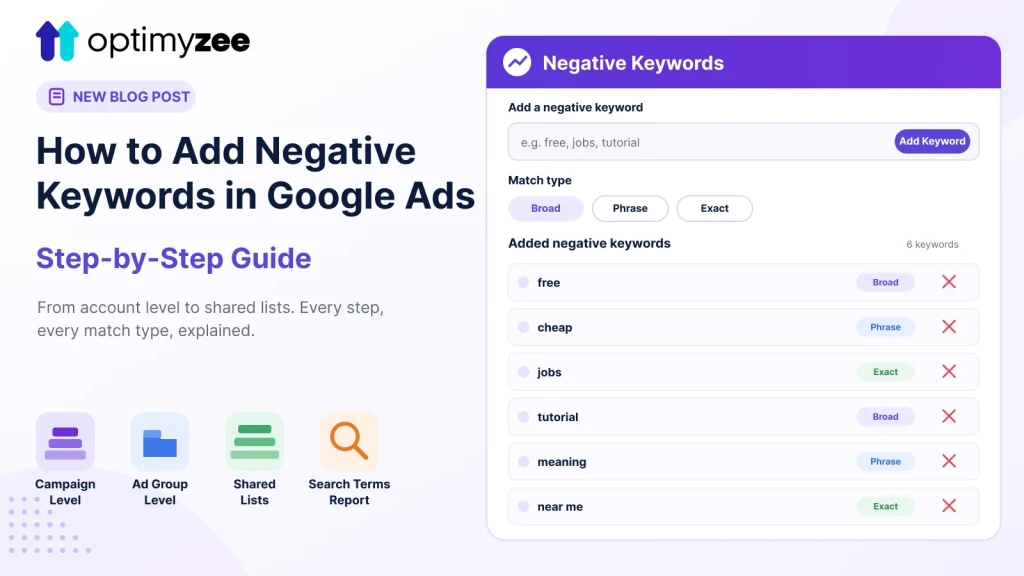
Blocks searches that contain all the words in your negative keyword, in any order. If you add “free” as a negative broad match, it blocks “free ppc tool,” “tool ppc free,” and any other query containing that word alongside your other terms.
Negative Phrase Match
Blocks searches that contain your exact phrase, in that exact order, with other words potentially before or after. Adding “resume templates” as negative phrase blocks “free resume templates” and “resume templates 2026,” but not “templates for resumes.”
Negative Exact Match
Blocks only the exact search term, with no variations. This is the most surgical option and the least likely to accidentally block traffic you actually want.
A common mistake: using negative broad match by default because it feels “safer.” It’s actually the riskiest option, because it can silently block converting traffic that happens to share a word with an obviously irrelevant term. Start with phrase or exact match unless you’re confident about the word’s usage across every possible query.
Where to Apply Google Ads Negative Keywords
You have three levels to choose from, and picking the right one matters:
- Campaign level: blocks a term across every ad group in that campaign. Use this for terms that are irrelevant no matter what you’re advertising, like “jobs,” “salary,” or “free.”
- Ad group level: blocks a term for just that ad group, letting the same term through in other ad groups. Use this when a word is fine in one context but not another, “case” might be irrelevant for a legal services ad group but relevant for a phone case ad group in the same account.
- Shared negative keyword lists: a list you build once and apply across multiple campaigns. This is the most efficient option for terms you know you’ll want blocked everywhere, competitor brand names, informational-only phrases, and the recurring “free,” “cheap,” “diy” category of searches.
How to Build Your First Negative Keyword List
- Pull your Search Terms report (or run a search term audit) and sort by spend, highest first. This is where wasted budget hides.
- Flag anything with zero conversions and meaningful spend. A term that’s cost you money for 60 days with no conversions is a strong negative candidate.
- Group by intent, not just by word. Job seekers, free-seekers, informational researchers, and misdirected competitor traffic are the four categories that show up in nearly every account.
- Start with exact and phrase match negatives, and only move to broad match negatives once you’re confident a word has no legitimate use case in your account.
- Build a shared list for recurring categories so you’re not re-adding the same negatives to every new campaign.
- Re-run this process on a schedule. New irrelevant queries appear constantly, especially as Google’s broad match and AI-driven matching expand what counts as “related.” For the exact click path inside Google Ads, see our step-by-step setup walkthrough.
Categories to Check First
- Job and career searches: “jobs,” “hiring,” “salary,” “internship”
- Free and DIY searches: “free,” “template,” “diy,” “how to make your own”
- Informational-only searches: “what is,” “definition,” “meaning” (unless you’re specifically targeting top-of-funnel education content)
- Unrelated competitor or brand confusion: searches that pull in traffic for a similarly named but unrelated product
- Location mismatches: if you serve specific regions, block city and country names outside your service area
Common Mistakes to Avoid
- Negating a converting term by accident. Always check whether a term has ever converted before blocking it, even if recent performance looks weak.
- Setting and forgetting. A negative keyword list built once during setup goes stale within weeks as new query patterns emerge.
- Ignoring Performance Max. Standard negative keyword workflows don’t fully apply to PMax campaigns the same way they do for Search. See our guide on Performance Max negative keywords for what’s possible there.
- Over-relying on broad match negatives. As covered above, this is the fastest way to accidentally choke off good traffic.
How Optimyzee Automates Google Ads Negative Keywords
Manually reviewing a search terms report every week to build your Google Ads negative keywords list is exactly the kind of task that eats a PPC specialist’s day. Optimyzee’s Negative Keywords tool scans real search term spend across Search and Performance Max, expands context using Keyword Planner data, and surfaces safe negative keyword recommendations for manual review before anything gets added to your account, so you get the audit without the hours.
FAQ
How often should I review negative keywords?
Weekly for active, high-spend campaigns. Monthly at minimum for lower-spend accounts. New irrelevant queries appear continuously as your keywords accumulate impression history.
Can negative keywords hurt my Quality Score?
No. Negative keywords don’t directly affect Quality Score. What they do is improve your click-through rate over time by preventing your ad from showing to people who were never going to click or convert, which can indirectly support Quality Score.
Should I use the same negative keyword list across all my campaigns?
Use a shared list for universal negatives (free, jobs, DIY, etc.), but keep campaign-specific and ad-group-specific negatives separate, since a word that’s irrelevant in one context can be exactly what you want in another.